

Welcome to the DFMPro Ideas Portal
Request DemoWelcome to the DFMPro Ideas Portal
Welcome to the DFMPro Ideas Portal
We use the DFMPro Ideas Portal to collect and prioritize feedback directly from you. This is the best place to share your improvement ideas, feature requests, and pain points so we can build the right capabilities into DFMPro.
This article briefly explains how to:
- Access the portal
- Submit a new idea
- Vote and comment on existing ideas
- Track the status of your suggestions
1. Accessing the DFMPro Ideas Portal
- Open your web browser and go to: https://dfmpro.ideas.hcl-software.com/
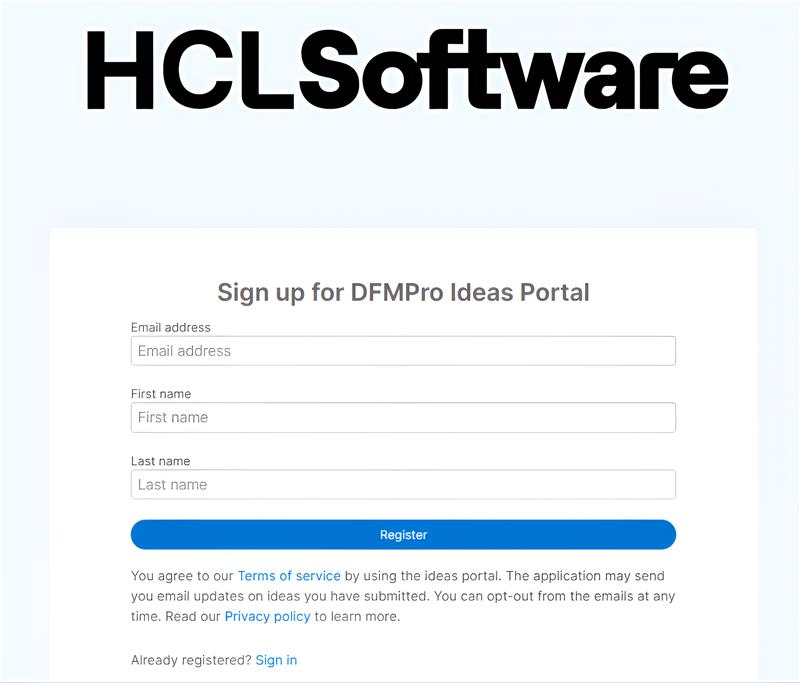
- sign in using your work email address.
- If this is your first time:
- You will have to sign up at https://support.hcl-software.com/csm?id=guest_csm_creation
- Select Ideas Portal in Category and https://dfmpro.ideas.hcl-software.com/ in the description
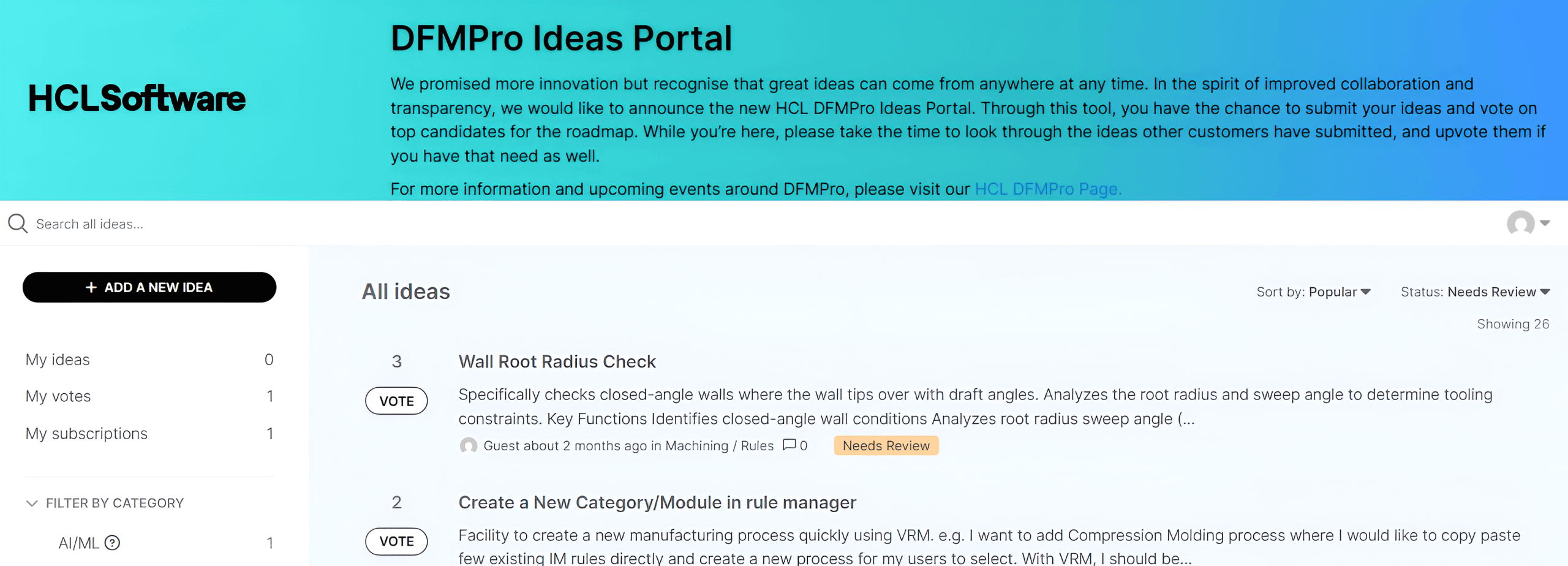
- A list of ideas submitted by other users
- Search and filter options
- Buttons to add a new idea or vote on existing ones
2. Submitting a New Idea
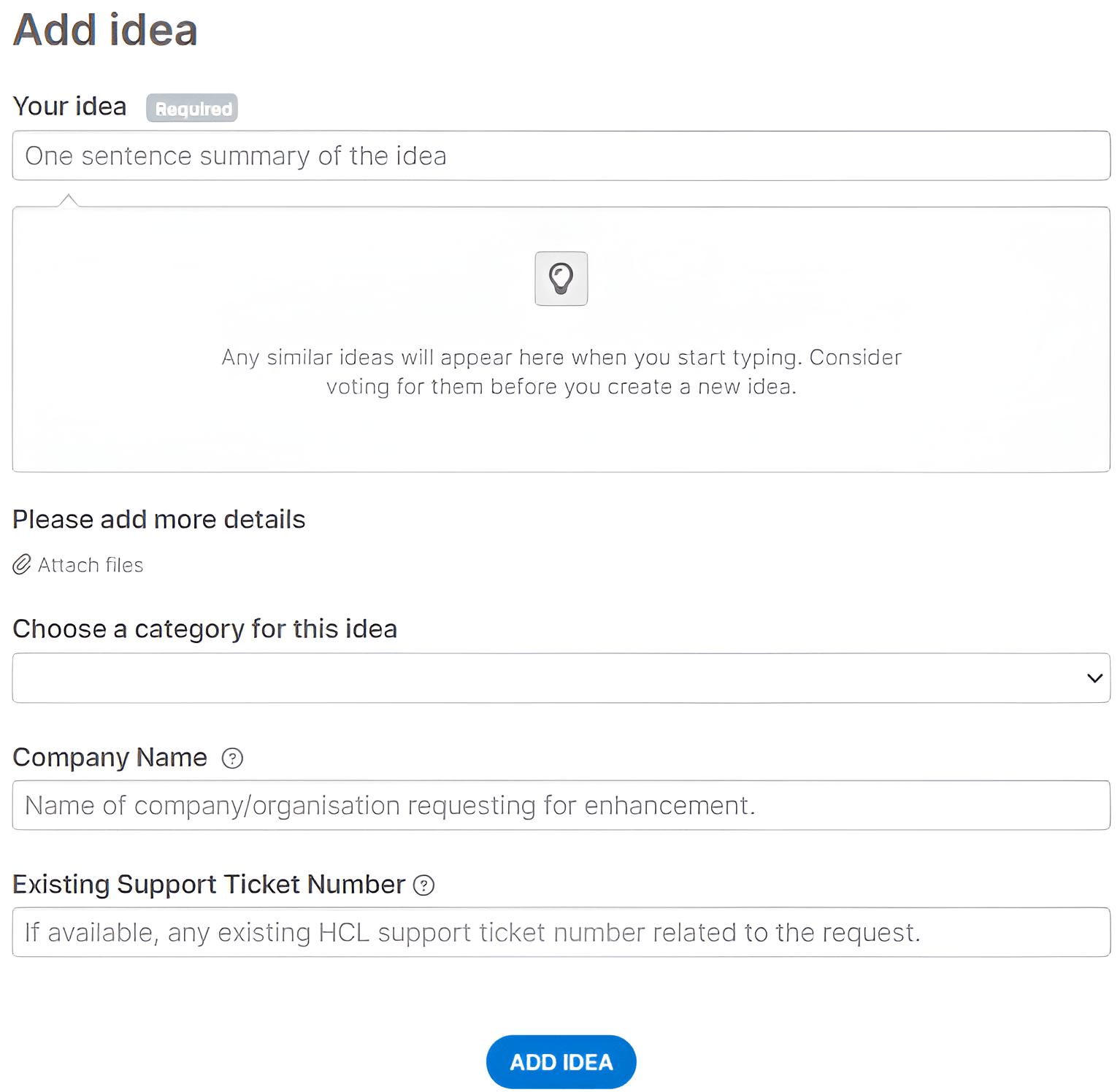
Use this when you have a new suggestion or request that you don’t see in the portal yet.
- Click “Add a new idea”.
- Fill in the key fields:
- Title: A short, clear summary
- Example: “Support for NX 2512 in DFMPro”
- Description:
- What problem are you facing?
- What is your proposed solution or expectation?
- Any specific DFMPro modules, CAD systems, or workflows involved?
- Category / Product area (if available):
- Choose the closest area (e.g., CAD integration, Injection Molding, Sheet Metal, Analytics).
- Impact / Priority (if available):
- Explain why this matters (e.g., “affects multiple products per month”, “causes rework or delays”).
- Title: A short, clear summary
- (Optional) Attach supporting information:
- Screenshots, example models (redacted if needed), or brief documents.
- Click Submit.
After submission:
- Your idea gets added to the shared list.
- Other users can see, vote, and comment on it. Since the idea is open for others to view, please avoid adding any confidential details.
3.Searching and Voting on Existing Ideas
Before you add a new idea, please search to avoid duplicates.
- Use the search bar to type keywords (e.g., “clearance check”, “report automation”).
- Review similar ideas:
- If you find one that matches your request, do not create a duplicate.
- Instead, vote for the existing idea and add a comment describing your use case.
How voting works
- Click the vote button next to an idea to show your support.
- More votes help us understand which ideas will benefit the most users.
- We consider both the number of votes and the impact described in comments when prioritizing.
4. Commenting on Ideas
Use comments to add context, not to create new requests

You can comment to:
- Clarify how a feature would help your workflow.
- Share examples or edge cases.
- Ask questions about an idea someone else submitted.
When commenting:
- Be specific: mention CAD system, process type (e.g., Injection Molding, Sheet Metal), and any constraints.
- Avoid sharing confidential information or customer names.
5. Tracking Status of Your Ideas
We use idea statuses to show where each suggestion is in our process. Labels may vary slightly, but typically:
- New: We’ve received your idea and it’s waiting for review.
- Under review: Our product team is analyzing feasibility and priority.
- Planned: We intend to implement this in a future release.
- In progress: Development work has started.
- Shipped / Implemented: The idea has been delivered in a product release.
- Not planned: We are not currently planning to implement this (we’ll usually explain why).
You can:
- Open any idea to see its current status.
- Follow your own ideas and the ones you’ve voted on.
- Receive notifications when the status changes or when we add an update.
6. What Makes a “Good” Idea Submission?
Stronger ideas share these traits:
- Clear problem statement
“Designers often miss thin-wall violations in [specific scenario], causing rework during tooling design.” - Context
- CAD system and version (e.g., Creo Parametric 12.0, NX 2506)
- Process (e.g., Injection Molding, Sheet Metal)
- Typical part types or industries if relevant
- Impact
- Time or cost impact
- Frequency (per part / per project / per month)
- Example scenario
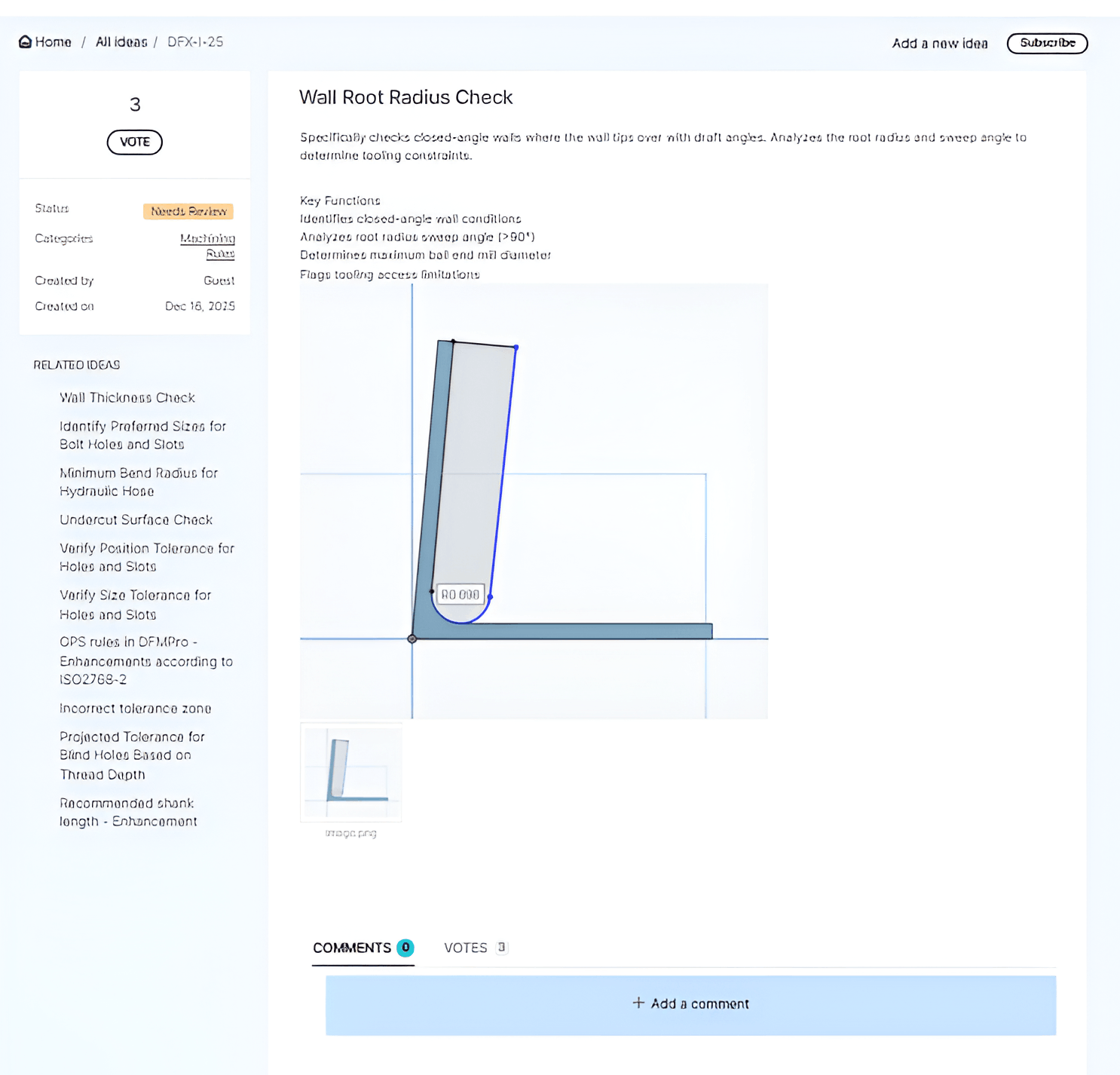
A short example or screenshot that shows the issue or desired behavior.
The more context you provide, the easier it is for us to understand and prioritize your request.
7. When to Use the DFMPro Ideas Portal vs. DFMPro Support
Use the Ideas Portal when:
- You want new functionality or enhancements to existing checks, rules, or integrations.
- You are suggesting improvements to usability, reporting, or analytics.
- You want to see if others have similar needs and add your vote.
Use DFMPro Support (our regular support channel) when:
- Something that should work is broken (bugs, errors, crashes).
- You need help configuring or using current functionality.
- You have an urgent production issue.
If you’re unsure, you can still submit through the Ideas Portal or through the support channel (email dfmpro.support@hcl-software.com) ; we’ll route it correctly and let you know.
8. Feedback on the Ideas Portal Itself
We welcome feedback on how we manage ideas:
- If you feel an idea is miscategorized or unclear, leave a comment.
- If you have suggestions to improve the portal workflow, you can submit those as ideas too (just tag them as “Portal / Process”).
If you follow these guidelines, your ideas will be easier for us to understand, compare, and prioritize—helping us make DFMPro more valuable for you and your team.